 ScreenTimerDownloadScreenTimerDownload
Break the endless scroll. Take back control. One timer at a time.
⭐️ Trusted by users who value their time
Open any app you want to use.
Choose how long you'll use it.
When time's up app locks.
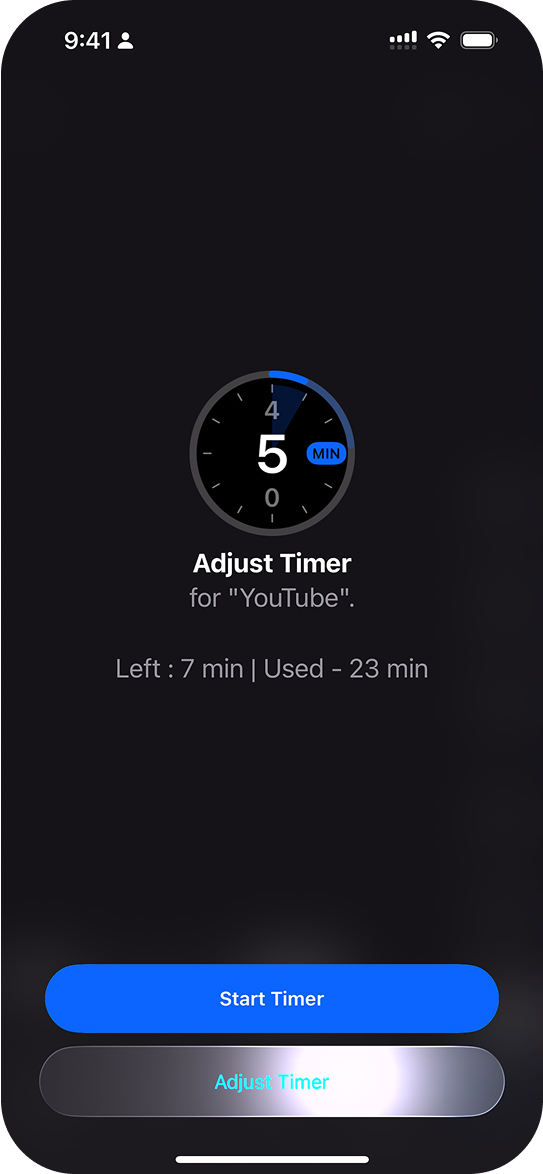
Set timer right before using any app.
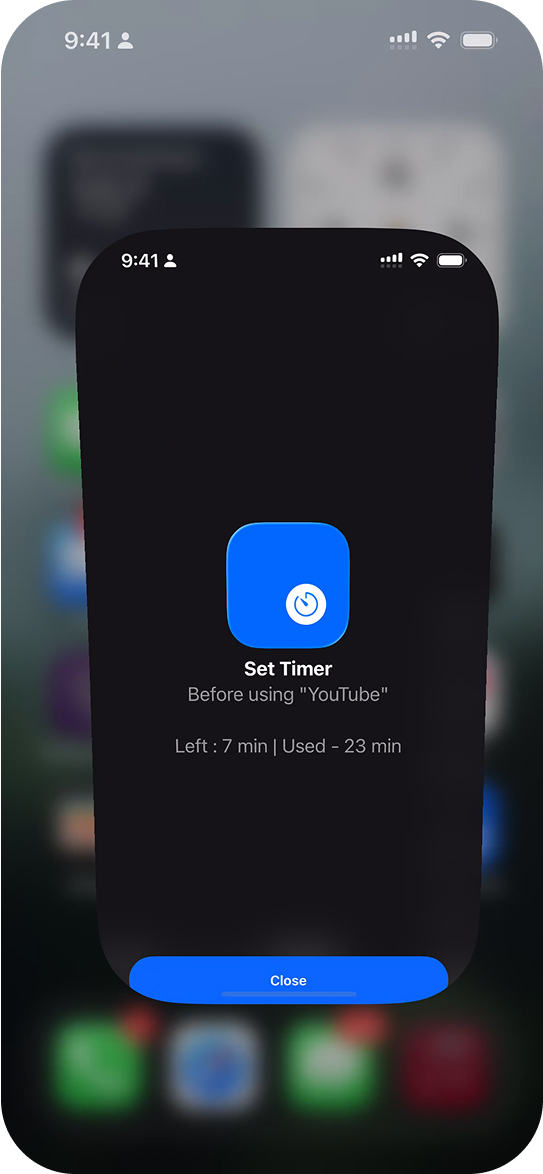
No shortcuts. No More Jumping Between Apps.
Track and spend time wisely across all apps.
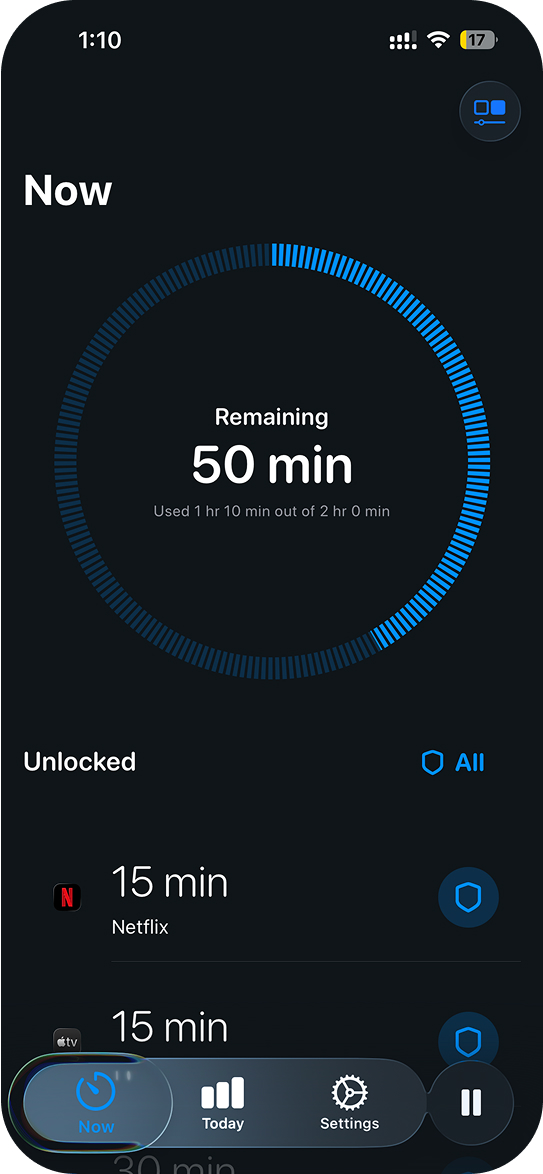
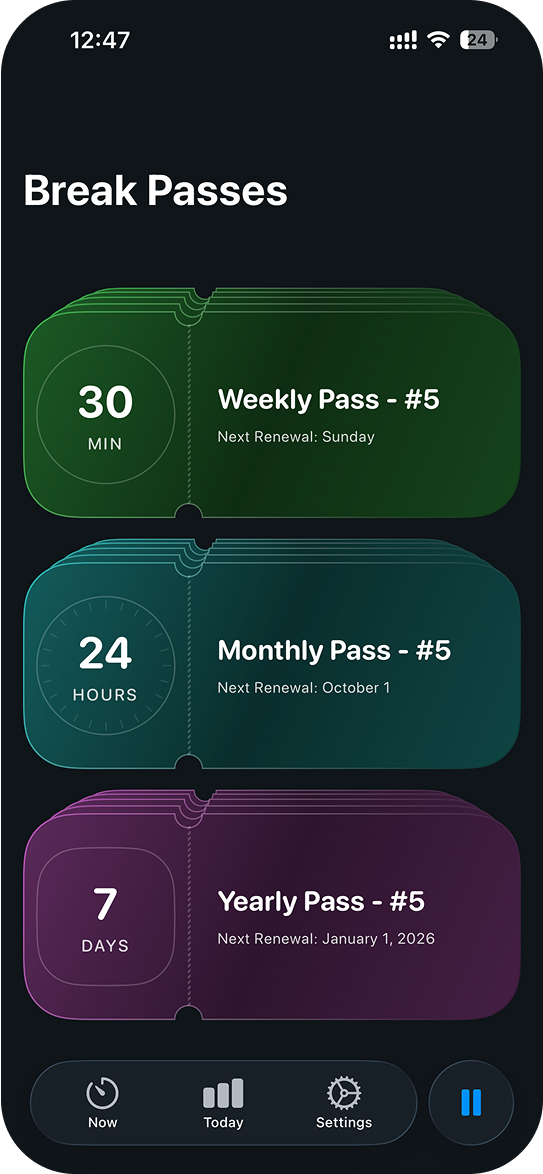
Pause all limits for important events or for vacations.
The problem isn't willpower. Your phone makes it too easy to lie to yourself.
Screen Timer is simple to set up and use — no complex shortcuts, automations, or extra steps.
The timer gently interrupts endless scrolling, helping you regain focus and control.
Fine-tune limits, budgets, and breaks with powerful settings designed to truly cut screen time.
60 seconds to set up. Hours saved every day.